Chrome extension for HubSpot

Read your HubSpot pipeline in colour.

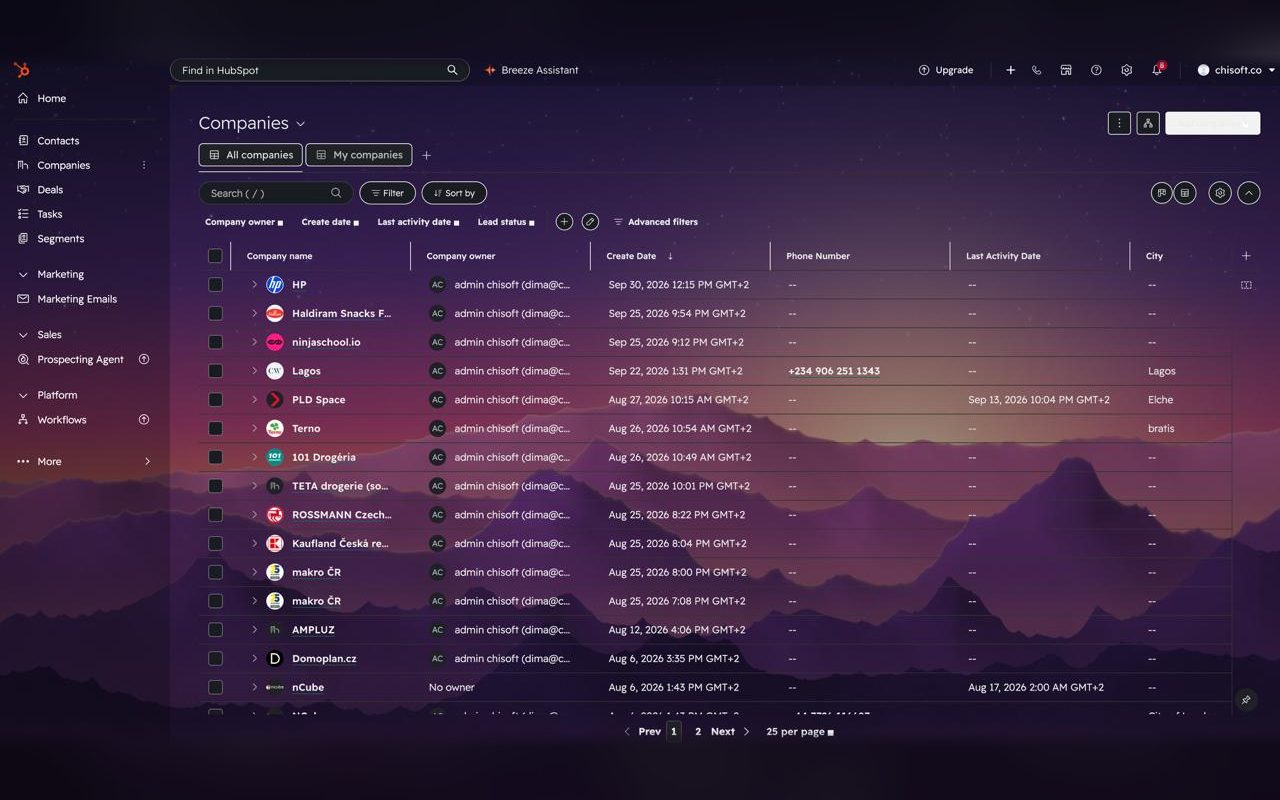
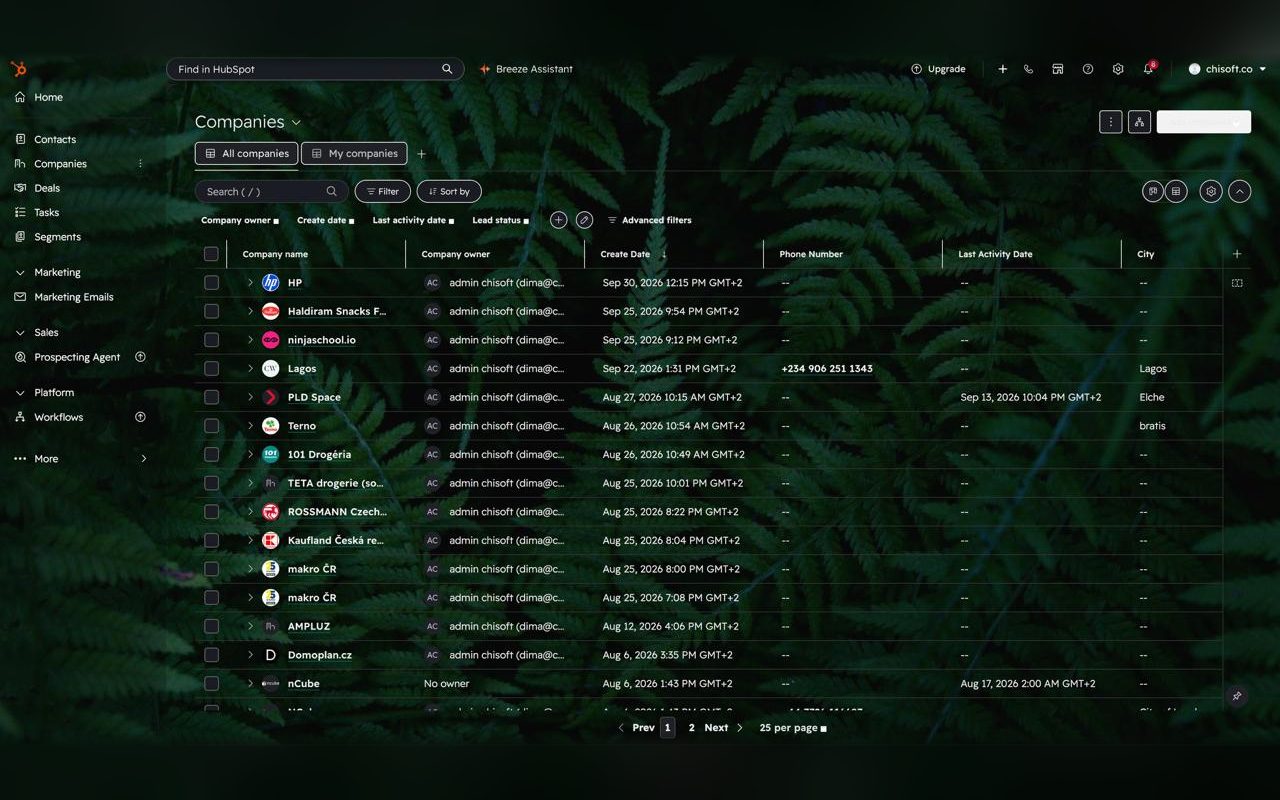
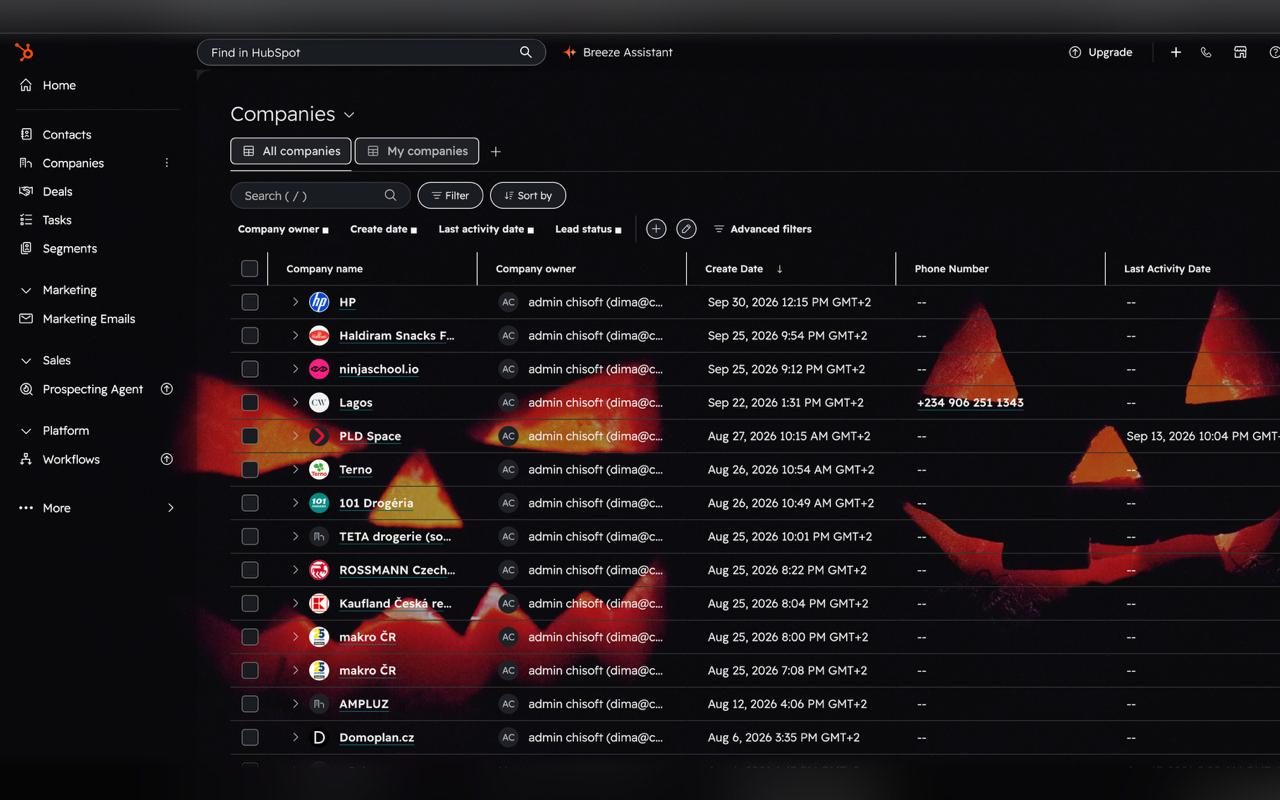
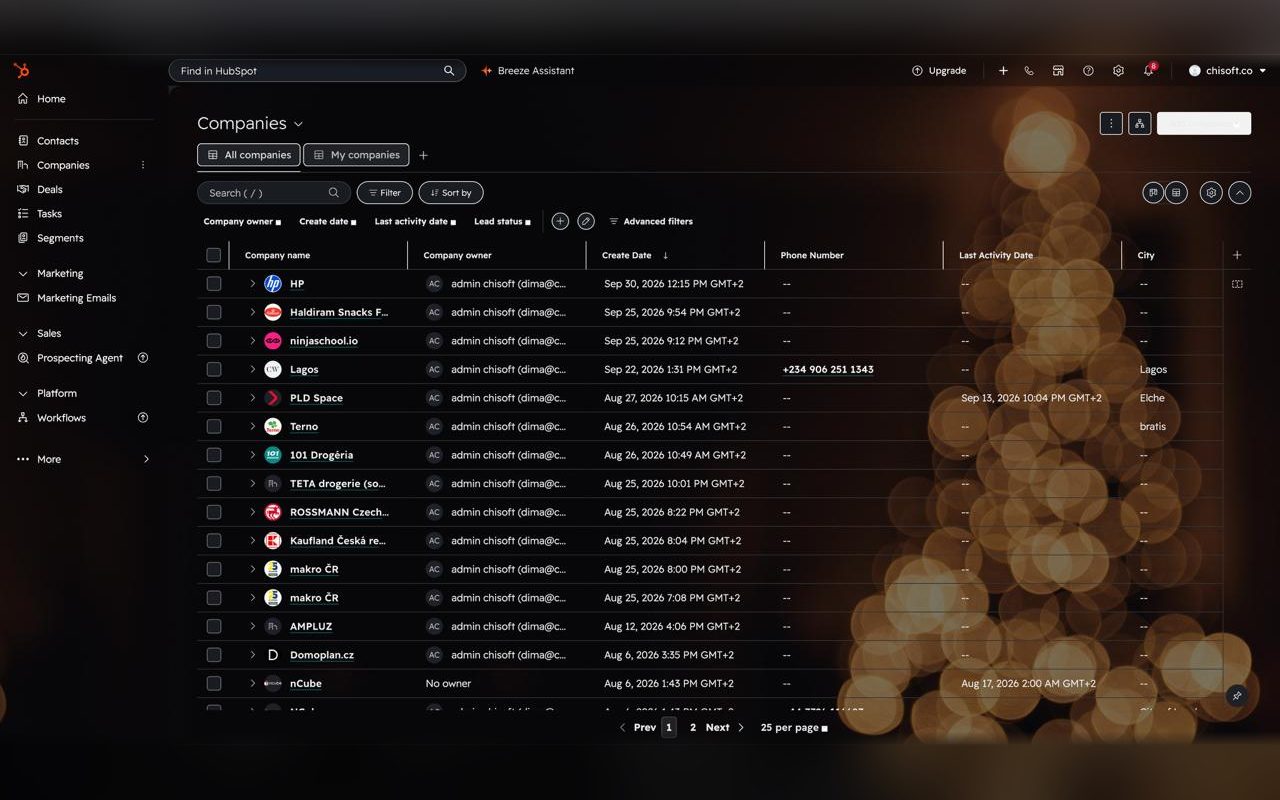
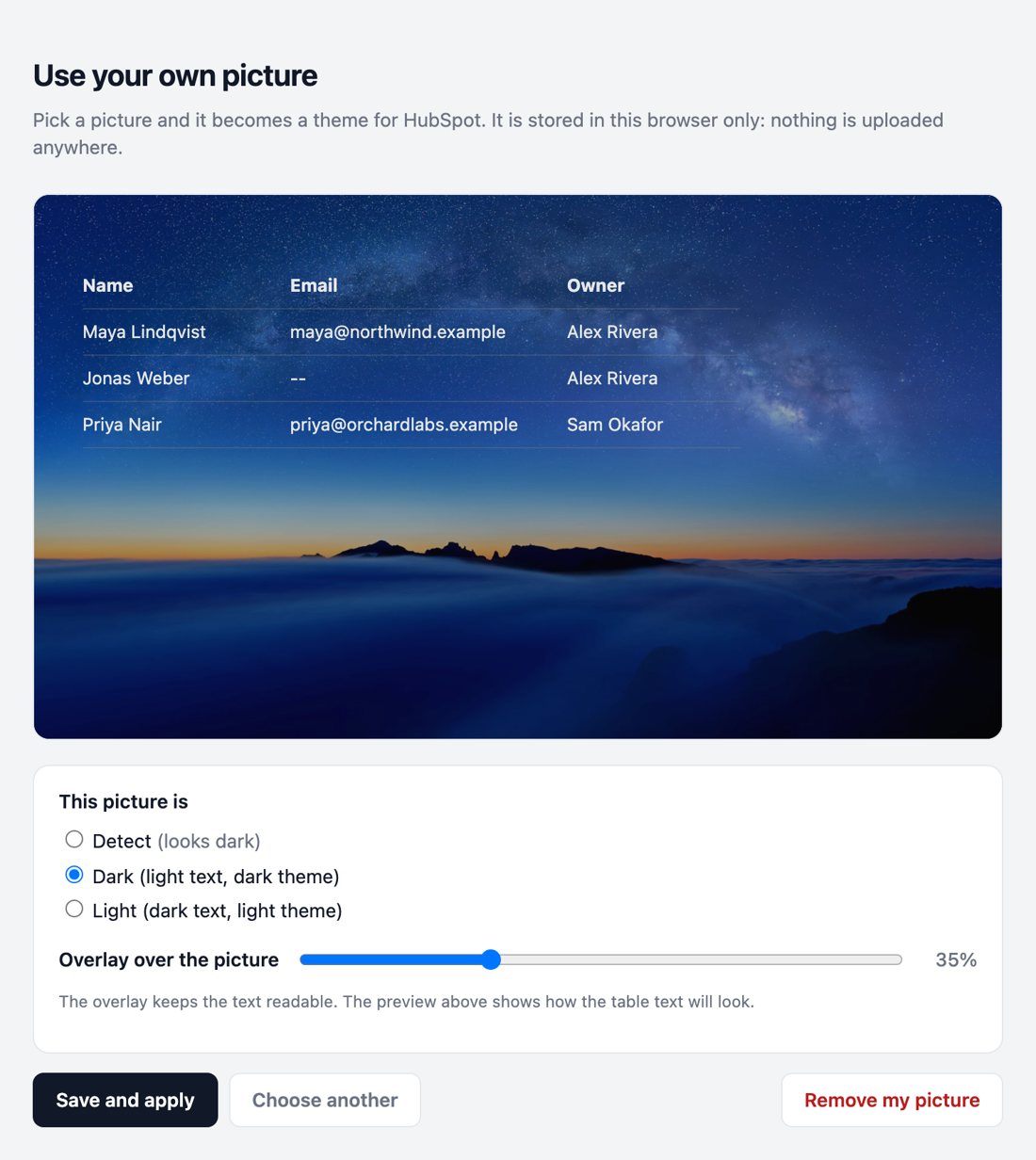
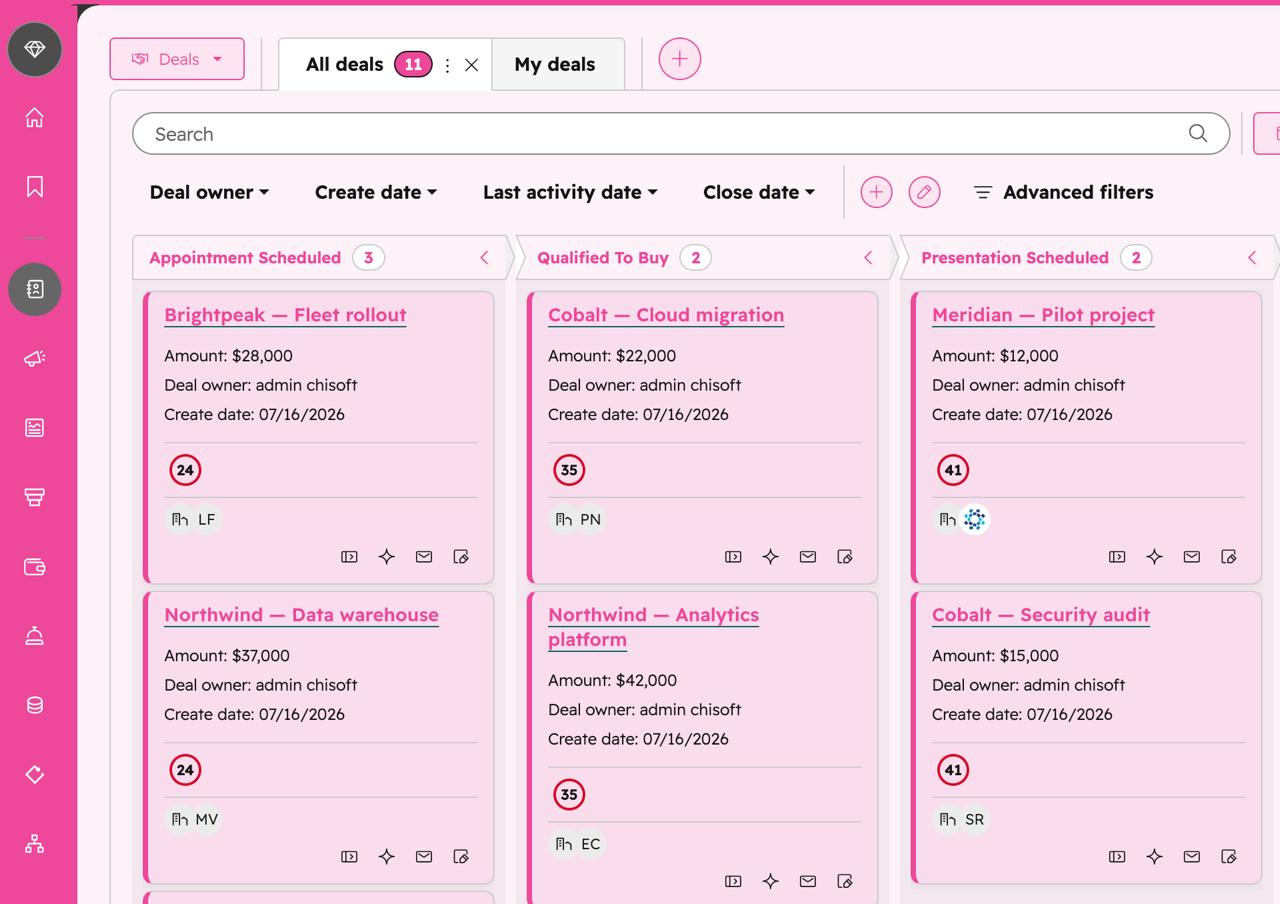
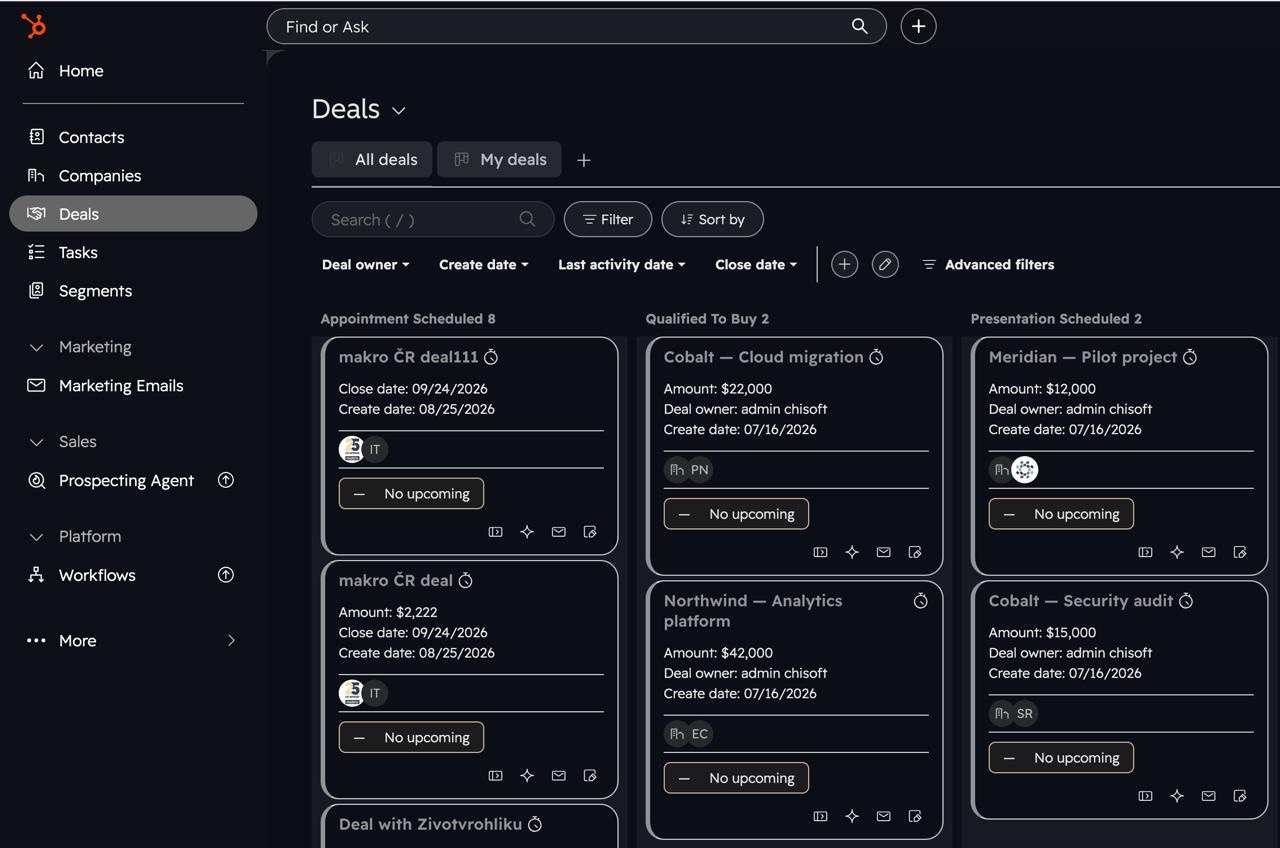
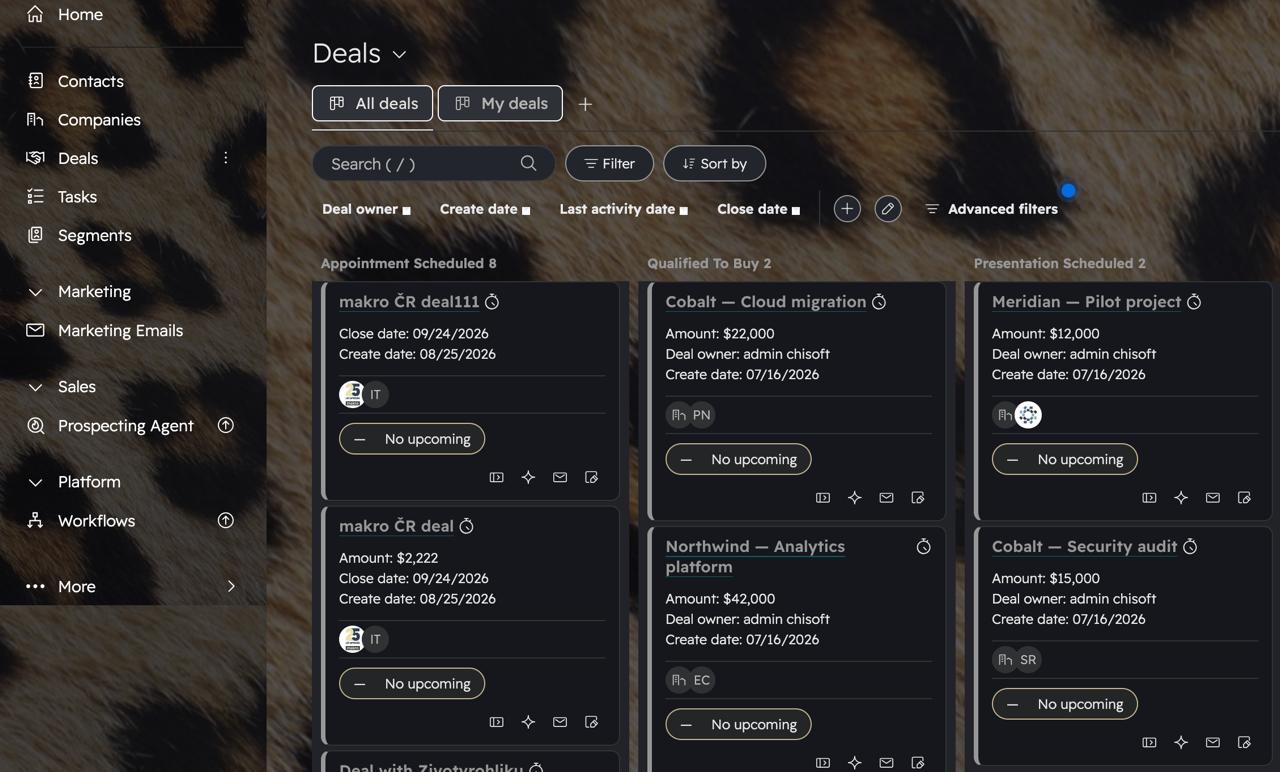
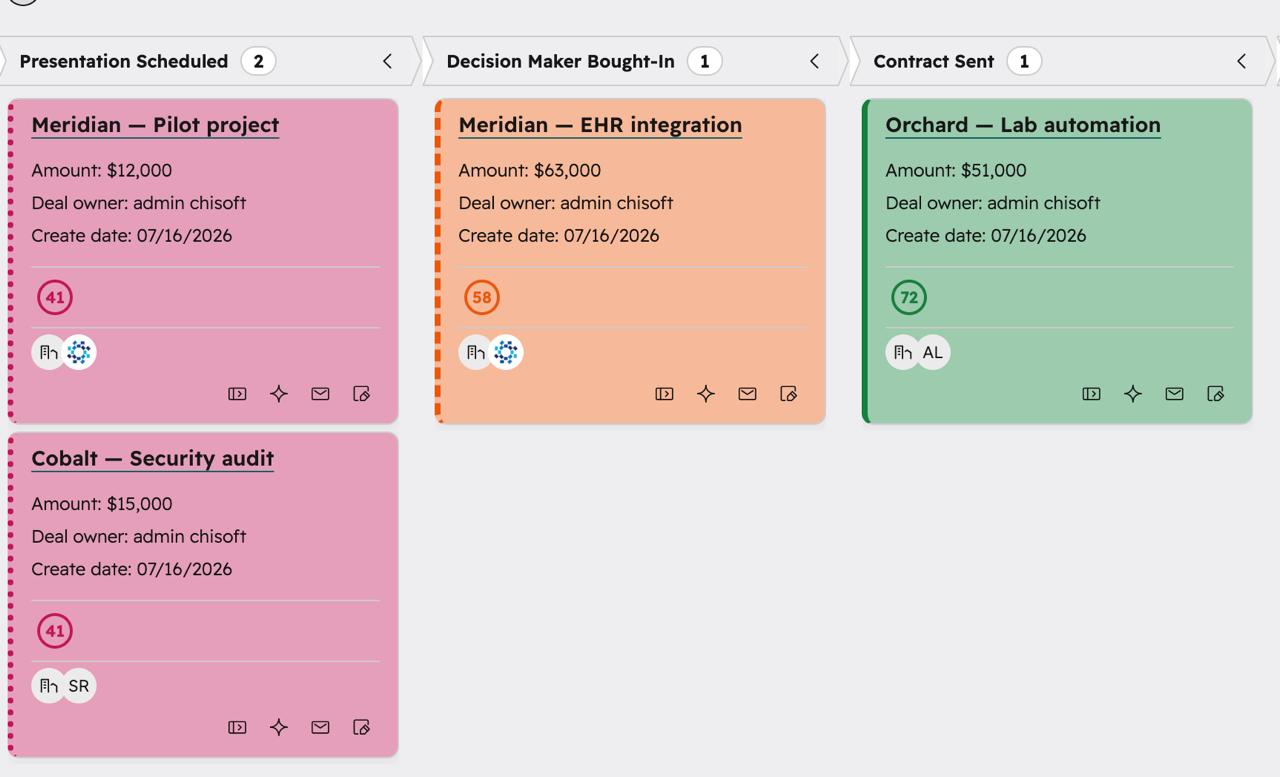
Recolour HubSpot to your own accent and background, tint every kanban stage column, and colour deal cards by owner or by their key-factor score — so priorities and overdue deals jump out the moment you open the board.

Coming soon to the Chrome Web Store Free · No account · No data collected · Light theme Made by Ln2CRM →
🎨

Your accent & background

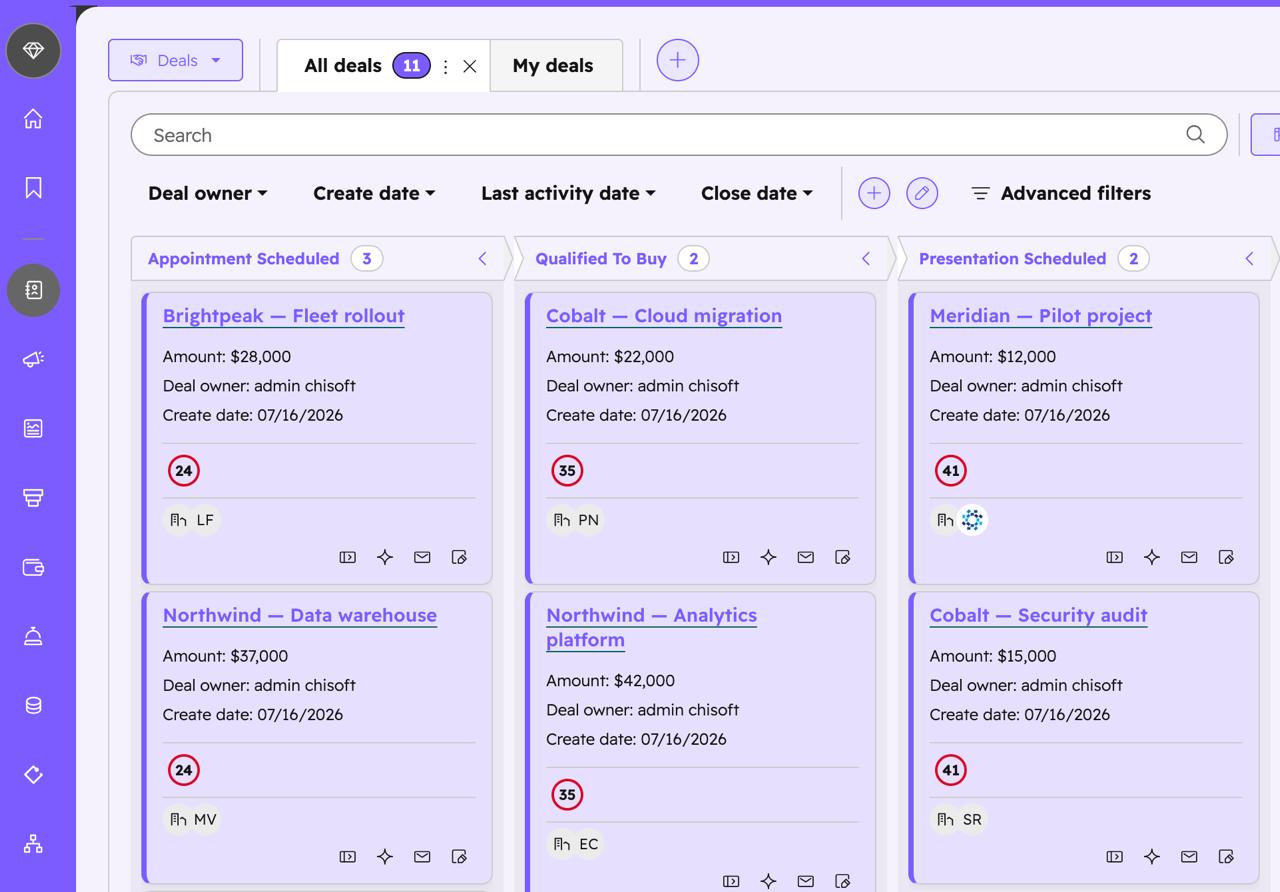
Pick any accent and background. HubSpot’s orange becomes your colour — top bar, side nav, buttons, links and tabs, all at once.

🧱

Tinted stage columns

Each pipeline stage gets a subtle column tint, so the board reads as real columns instead of a wall of white.

👥

Colour deals by owner

Give every teammate a stable colour and see whose deals are whose across the whole board at a glance.

🎯

Colour by Key factors

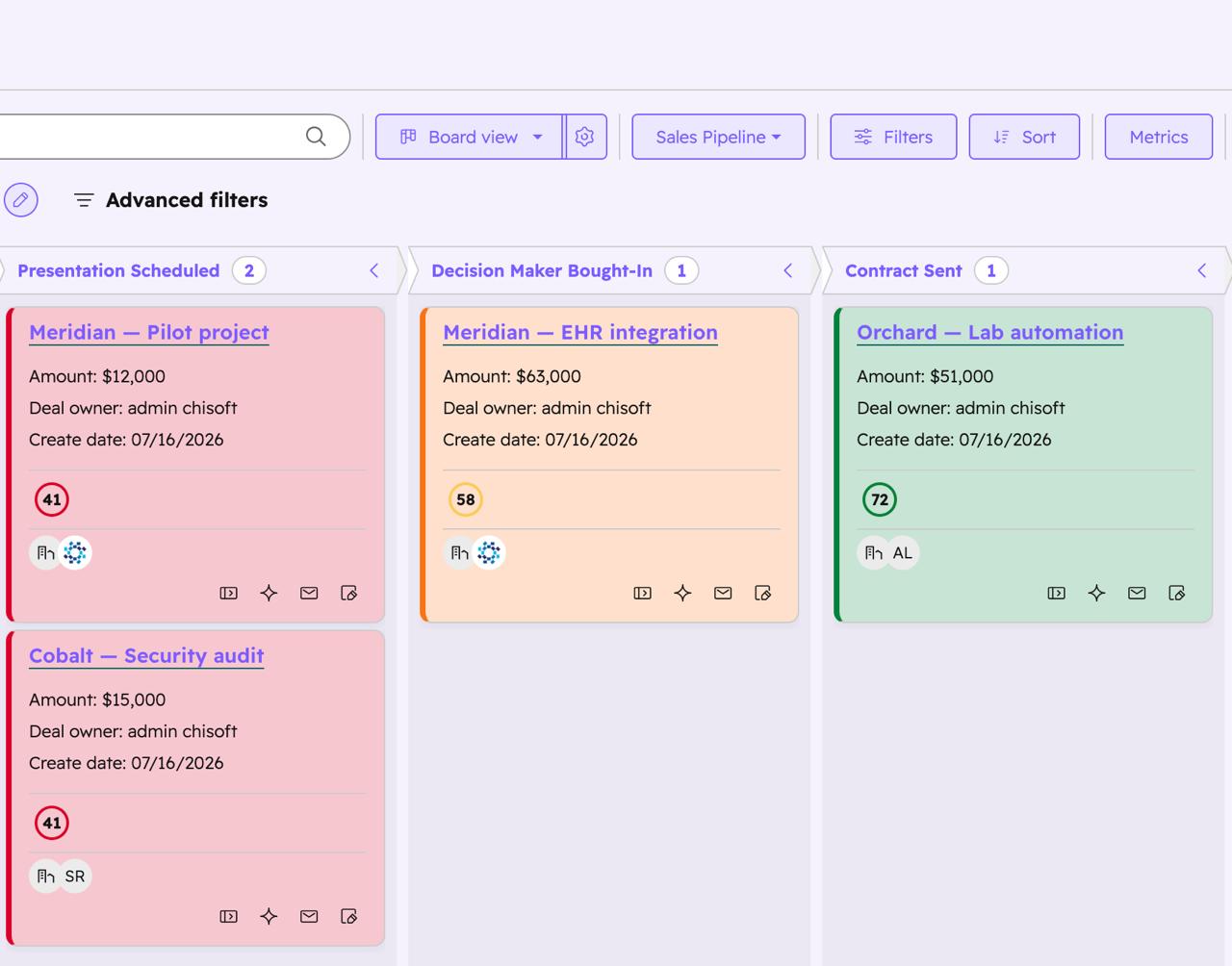
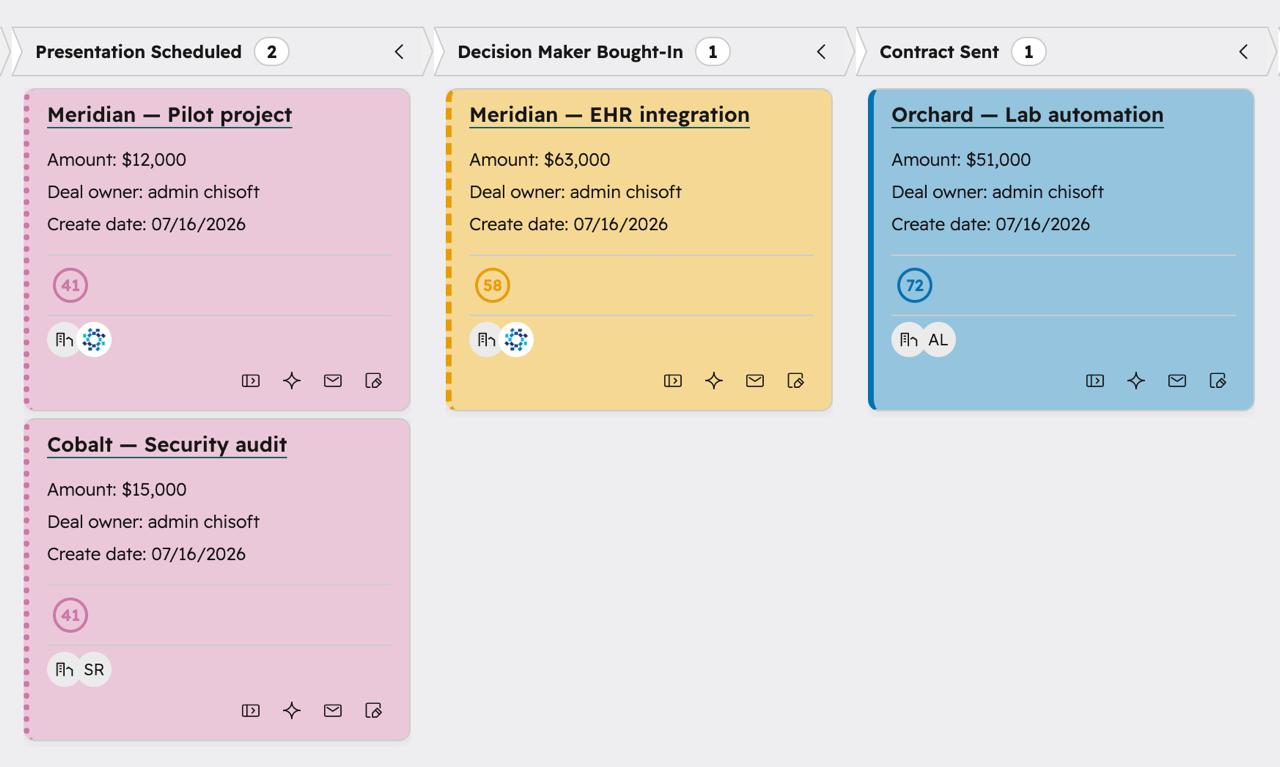
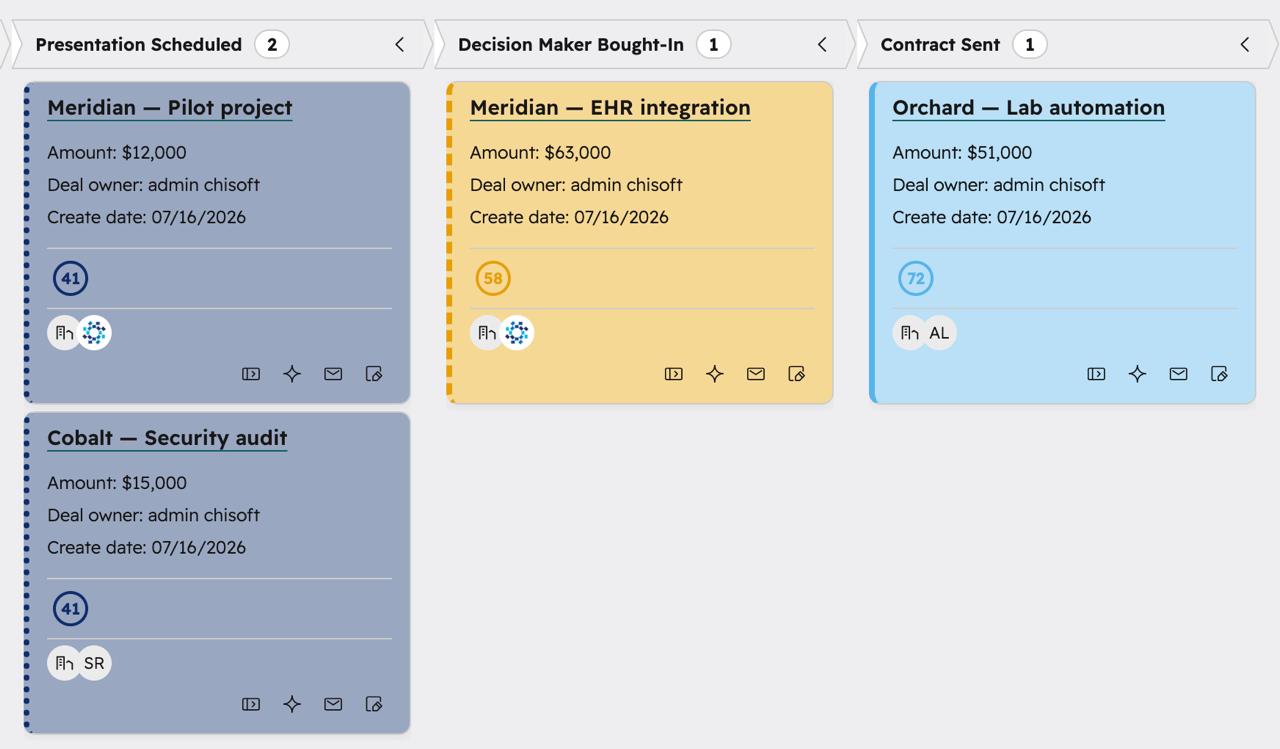
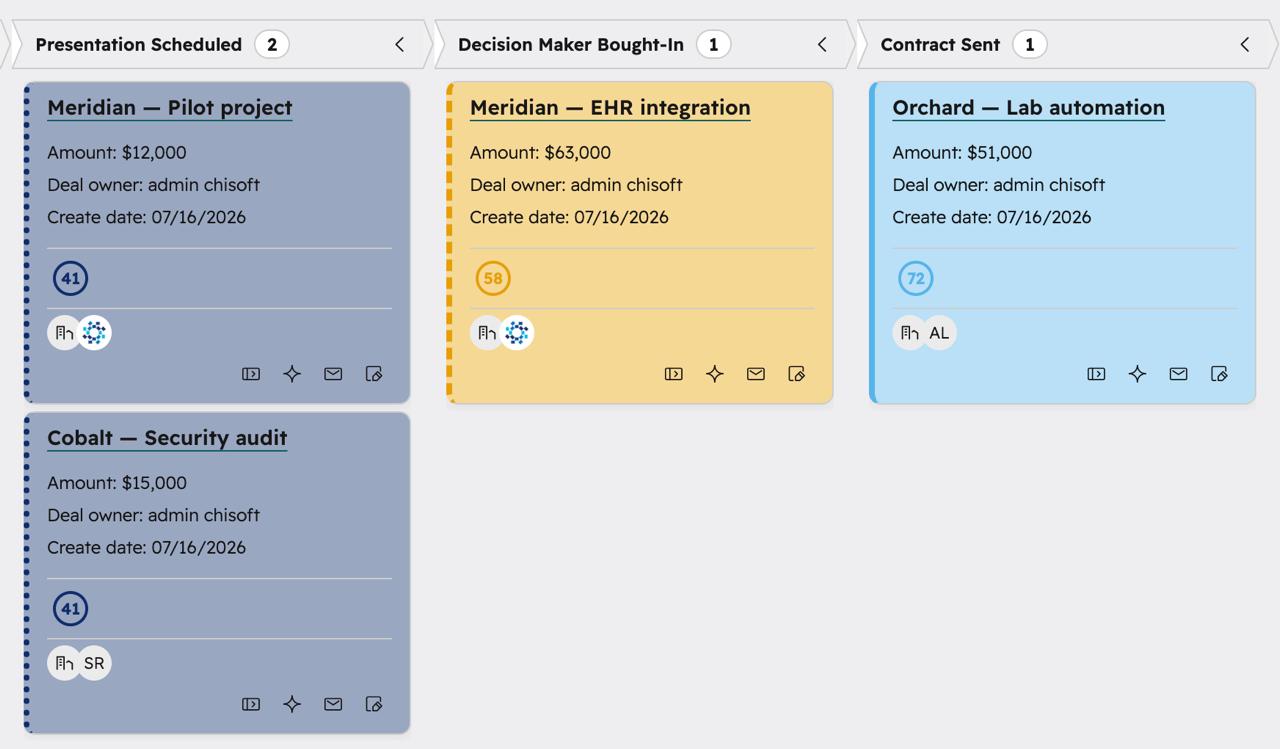
Tint each deal card by its HubSpot score band — healthy, medium or at-risk — so the deals that need you stand out.

Overdue in deep red

Deals past their close date are washed a darker red than the at-risk band, so nothing quietly slips through.

Colour-blind safe

Switch the red-green score rings and owner colours to a safe Okabe-Ito palette, tuned per dichromacy type.

🔒

Private by design

No accounts, no servers, no tracking. Your settings live only in your browser, on your device.

🆓

Free, every feature

No trials, no upgrades, no paywalls — now or later. Install it and it’s already working.

See it in colour

Real HubSpot deal boards, recoloured. Your accent, your columns, your way to read a pipeline.

HubSpot Deals board recoloured with a purple accent and tinted columns

Any accent. Berry, purple, pink, slate — pick a colour and the whole workspace follows.

HubSpot deal cards coloured by their key-factor score band

By Key factors. Cards tint by score band — green healthy, amber medium, red at-risk.

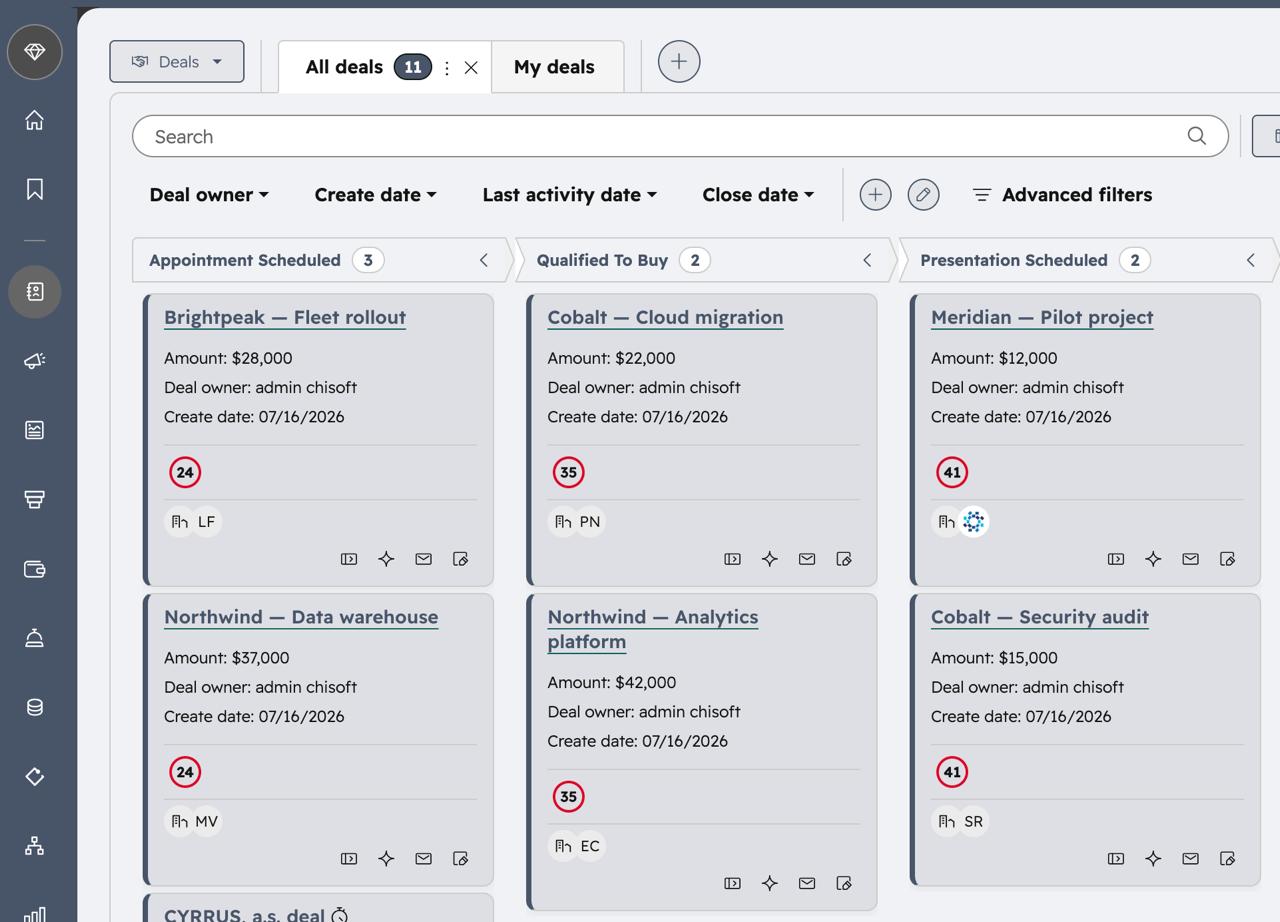
HubSpot Deals board with a calm slate accent

Keep it calm. A slate accent for a quieter, low-contrast board.

HubSpot Deals board with a bold pink accent

Or go bold. A bright pink across the top bar, nav, cards and columns.

Colour-blind safe mode

HubSpot’s key-factor scores are a red-green traffic light — unreadable for the ~1 in 12 men (and 1 in 200 women) with colour-vision deficiency. Turn on safe mode and the score rings, cards and owner colours switch to the Okabe-Ito palette, with a separate set tuned for each type so the bands never collapse into one another.

HubSpot Deals board recoloured with the universal colour-blind safe palette

Universal. The Okabe-Ito palette — safe for every type of colour-vision deficiency.

HubSpot board with the deuteranopia-tuned safe palette

Deuteranopia. Red-green: bands spread across blue↔amber and luminance instead of hue.

HubSpot board with the protanopia-tuned safe palette

Protanopia. The same red-green-safe set — dim reds never merge into the greens.

HubSpot board with the tritanopia-tuned safe palette

Tritanopia. The rarer blue-yellow case gets its own green / orange / magenta set.

From the same team

Ln2CRM — run your CRM without leaving LinkedIn

A Chrome sidebar that creates contacts, companies and deals — and shows activity history — straight from any LinkedIn profile. Works with HubSpot, Pipedrive, Zoho and Salesforce. No tab switching, no copy-paste.

Visit Ln2CRM →